
Posts by Author
Where to Buy Starlink Mini Near Me (2026 Guide)
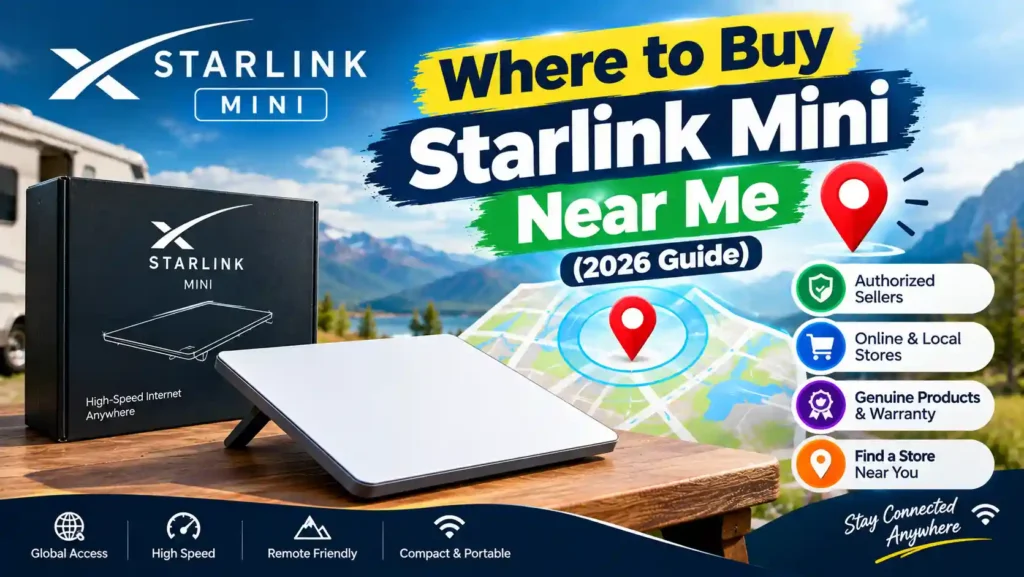
Where can you buy Starlink Mini? Short answer: buy it from Starlink.com or an authorized retailer. Starlink Mini is sold on starlink.com or through select authorized retailers in a list of supported regions, including the United States, Canada, Australia, Brazil and the Philippines. In the US, retailers include StarSurf, Best Buy, Walmart, Home Depot, Target…
Read MoreIs Starlink Better Than Xfinity?
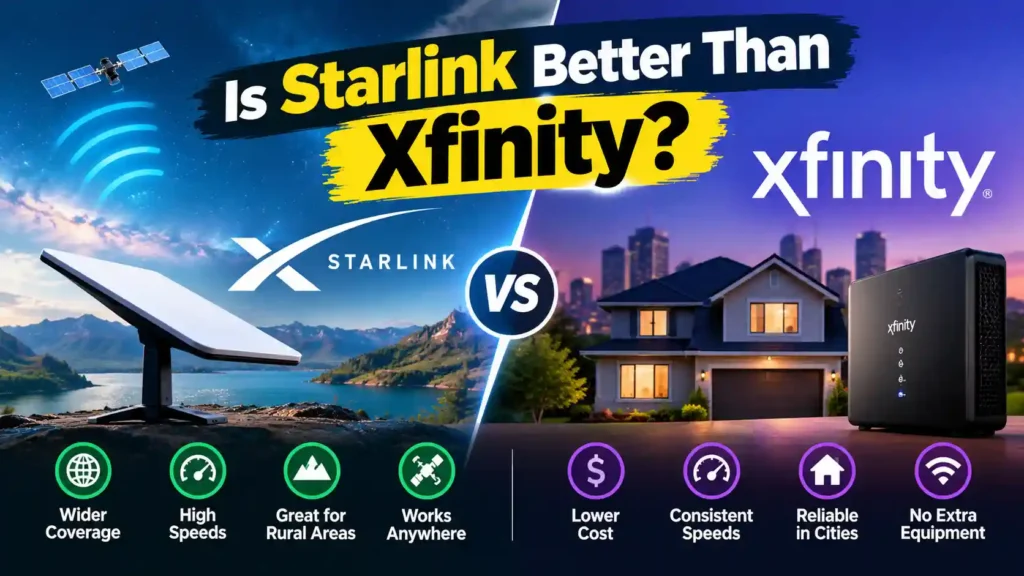
So, Is Starlink Better Than Xfinity? Usually not, if Xfinity is available at your address. Yes, if it isn’t, or if you need internet that works anywhere. Xfinity is a cable service. It generally costs less per month, has no equipment purchase, and has lower latency (the delay before data starts moving). Starlink is satellite…
Read MoreDoes Starlink Work While Driving?
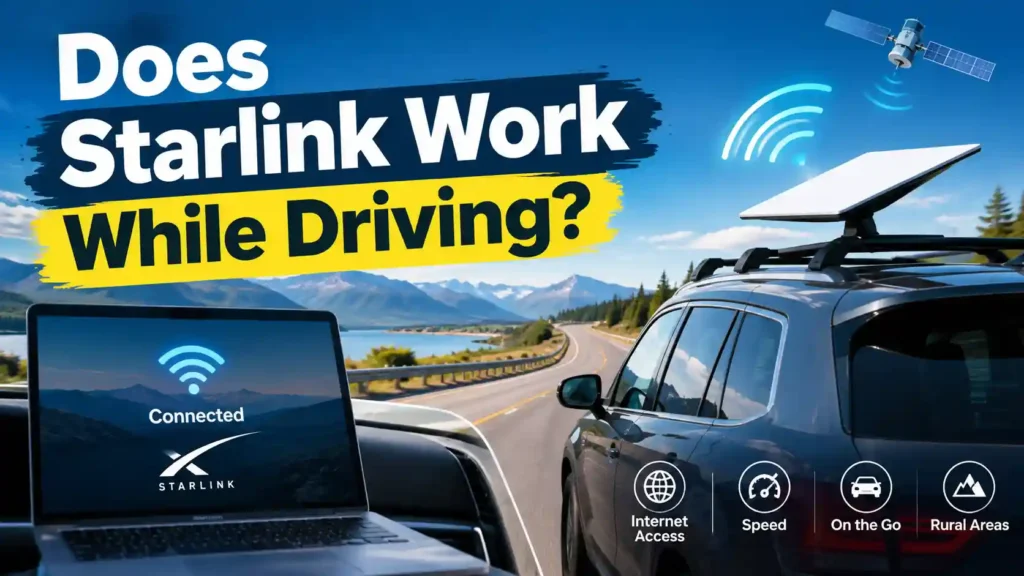
Yes, but only if you have the right plan and hardware. A standard, dish-mounted Starlink kit isn’t built for movement and will drop connection almost immediately once your vehicle starts moving. To get real internet while driving, you need a Starlink Roam plan paired with either a Starlink Mini or a Flat High Performance (Performance…
Read MoreHow to Run Starlink Cable Into Your House (Step-by-Step Guide)
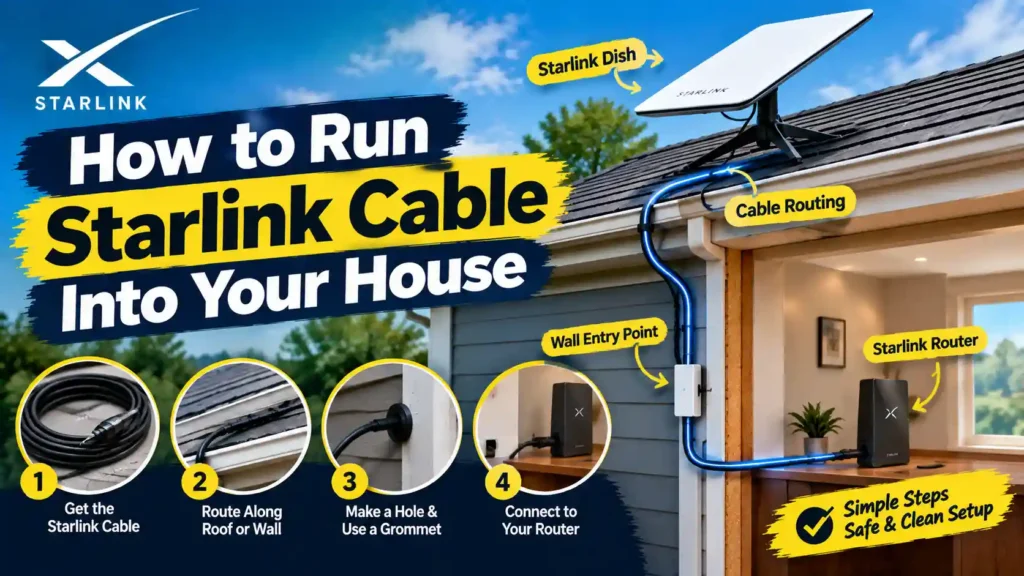
The easiest way to run Starlink cable into your house is to drill a single 3/4-inch hole through an exterior wall (near where your router will sit), thread the cable through, and seal it with a weatherproof bushing. If you can’t drill because you’re renting or don’t want a permanent hole route the cable through…
Read MoreDoes Starlink Have TV Service? (2026 Answer)

No. Starlink is an internet provider, not a TV provider it doesn’t offer TV channels, set-top boxes, or a cable-style lineup. What it does offer is fast, low-latency satellite internet that works well for streaming live TV, sports, and on-demand shows through services like YouTube TV, Hulu + Live TV, or Netflix. If you want…
Read MoreHow High Are Starlink Satellites? (Altitude Explained)
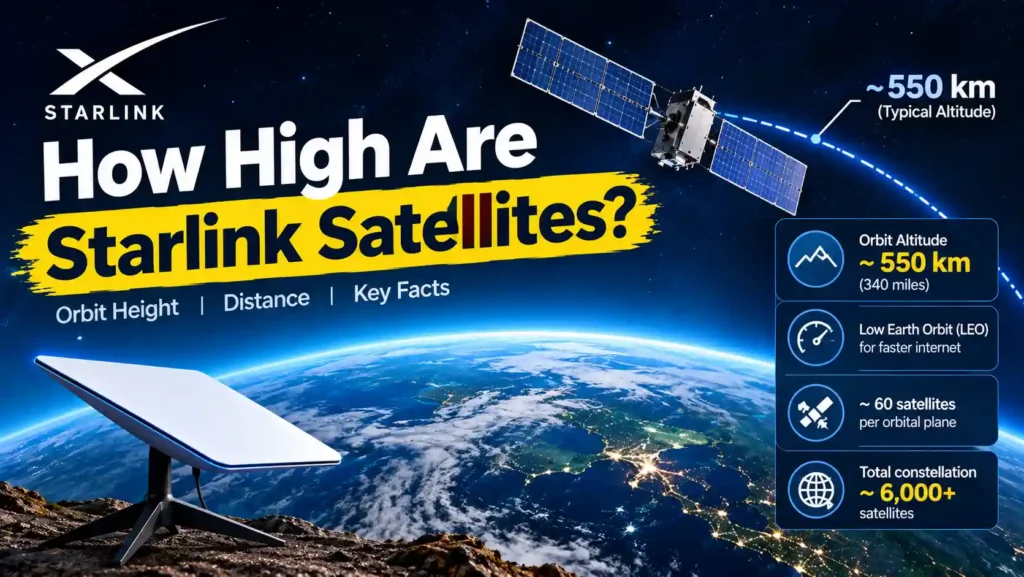
Starlink satellites orbit between roughly 330 km and 580 km above Earth, with most broadband satellites now sitting around 450–490 km after SpaceX’s 2026 altitude reduction. There’s no single fixed number altitude depends on the satellite generation, its job (broadband vs. direct-to-cell), and where it is in its operational life. All of it counts as…
Read MoreWhy Is My Starlink Router Unreachable? (Causes & Fixes)
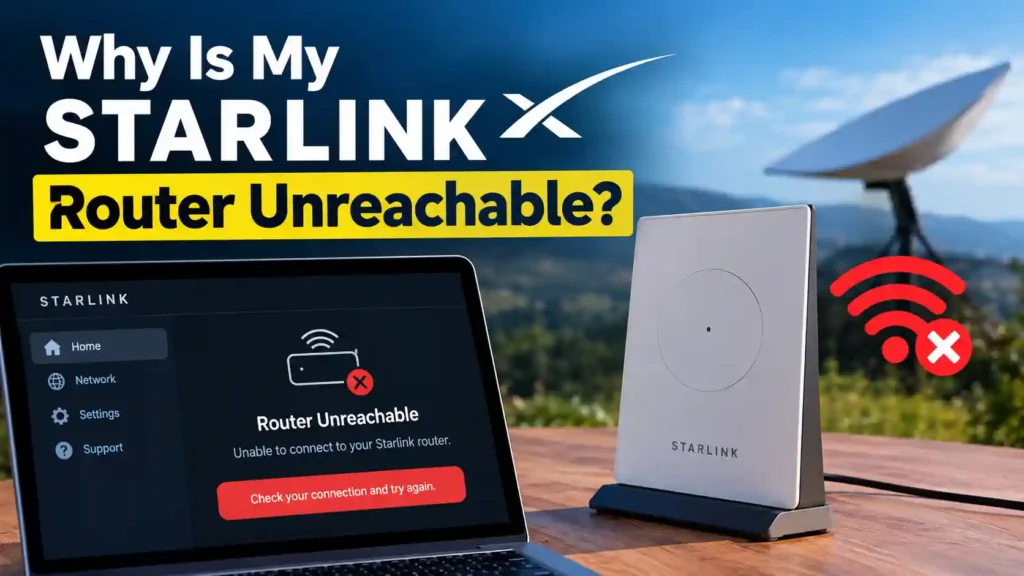
Router unreachable” means your Starlink dish can’t communicate with your router, it’s not the same as having no internet. In most cases, a 2-minute power cycle fixes it. If that doesn’t work, check your cables, confirm you’re on the correct Wi-Fi network, and try a factory reset as a last resort before contacting Starlink support.…
Read MoreHow to Connect Your Computer to Starlink Wi-Fi (Step-by-Step)
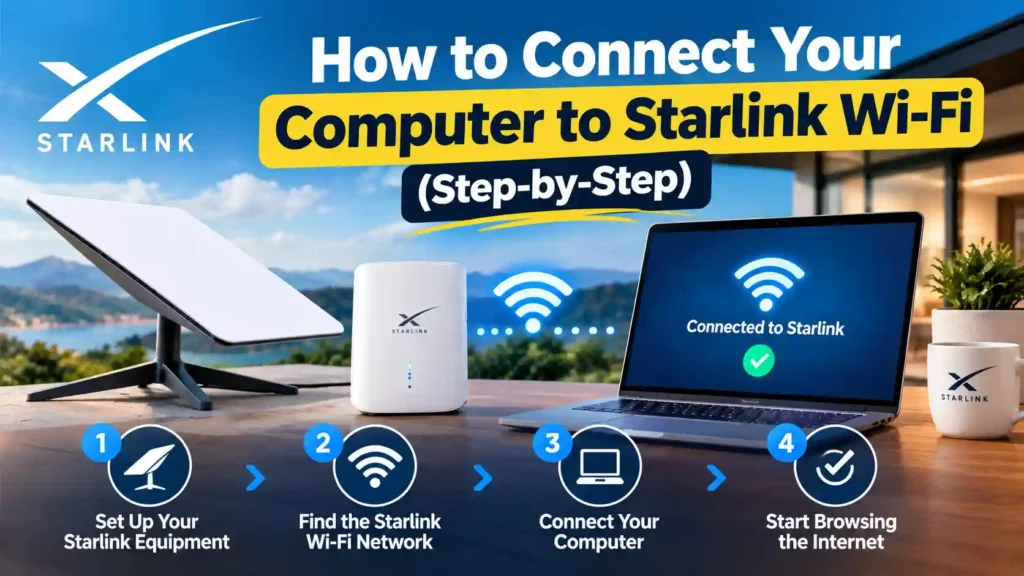
Quick Answer To connect your computer to Starlink Wi-Fi: open your Wi-Fi settings, select the network named STARLINK (or your custom SSID), and enter the password from the Starlink app or the sticker on your router. If you’d rather skip Wi-Fi entirely, plug an Ethernet cable into the router’s LAN port and into your computer…
Read MoreDoes Starlink Have a WiFi Booster?
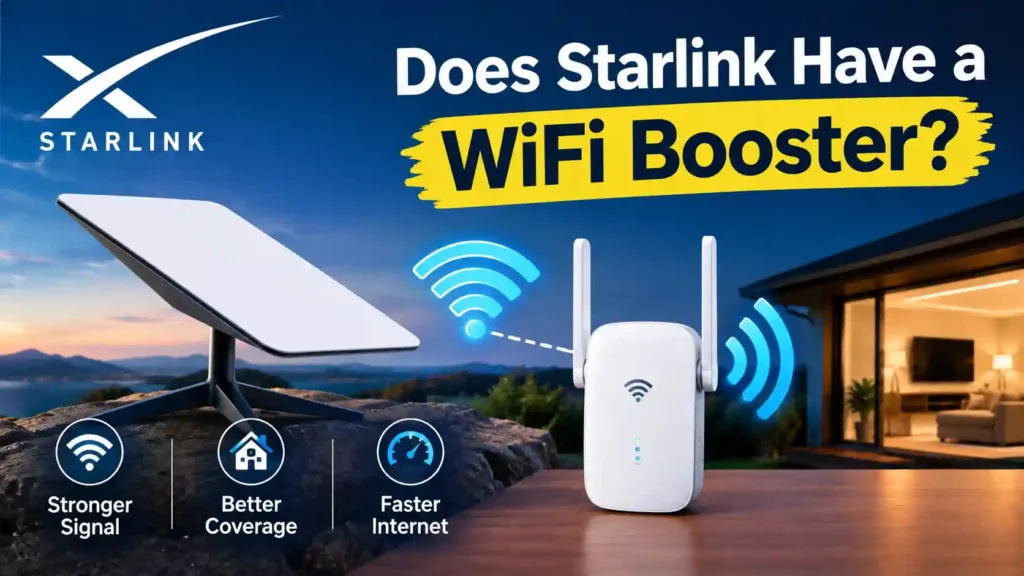
Yes. Starlink sells its own official WiFi boosters, called mesh nodes, the Router Mini (~$40) and the Gen 3 Mesh Router (~$80–130). You can also use most third-party WiFi extenders or mesh systems by putting your Starlink router into bypass mode. The satellite connection itself isn’t usually the problem it’s the stock router’s limited range,…
Read MoreHow to Secure Your Starlink WiFi (Complete 2026 Guide)
To secure your Starlink WiFi, open the Starlink app, set a strong custom password, switch encryption to WPA3 (or WPA2/WPA3 mixed mode if you have older devices), create a separate guest network for visitors and smart-home gadgets, and keep your router firmware on auto-update. These five steps close the biggest security gaps on a stock…
Read More