
How-To Guides & Tutorials
How to Run Starlink Cable Into Your House (Step-by-Step Guide)
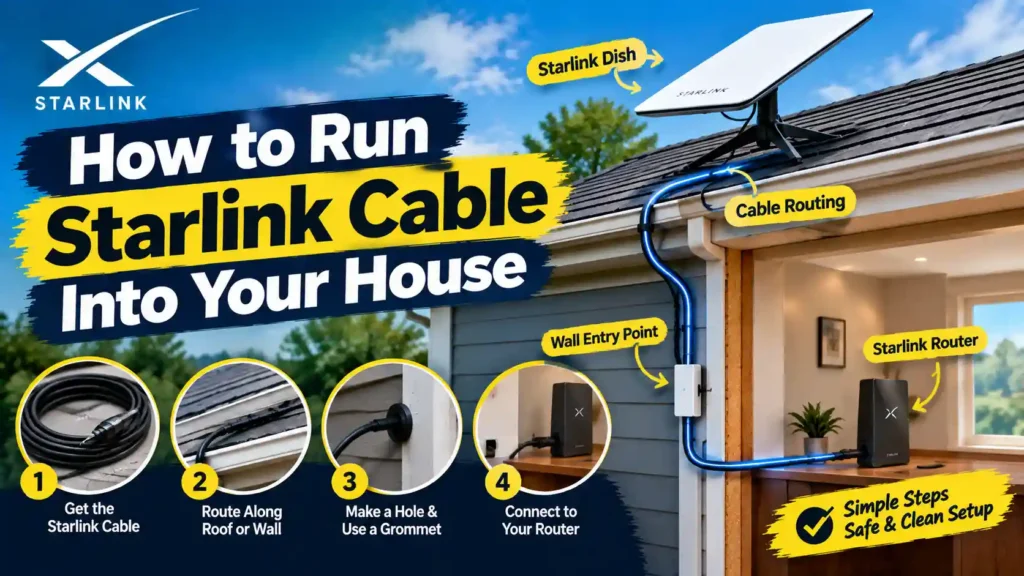
The easiest way to run Starlink cable into your house is to drill a single 3/4-inch hole through an exterior wall (near where your router will sit), thread the cable through, and seal it with a weatherproof bushing. If you can’t drill because you’re renting or don’t want a permanent hole route the cable through…
Read MoreHow High Are Starlink Satellites? (Altitude Explained)

Starlink satellites orbit between roughly 330 km and 580 km above Earth, with most broadband satellites now sitting around 450–490 km after SpaceX’s 2026 altitude reduction. There’s no single fixed number altitude depends on the satellite generation, its job (broadband vs. direct-to-cell), and where it is in its operational life. All of it counts as…
Read MoreHow to Connect Your Computer to Starlink Wi-Fi (Step-by-Step)
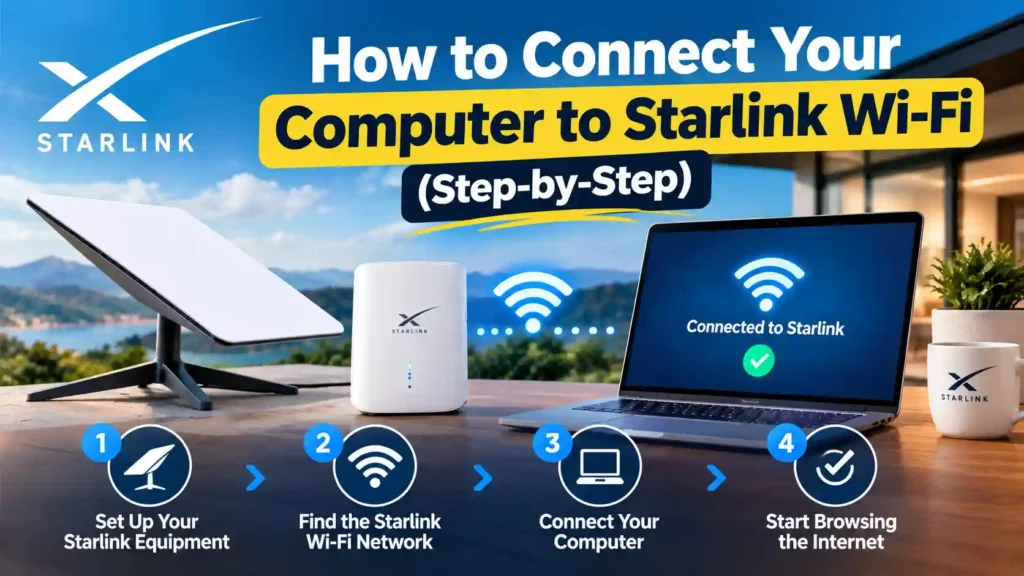
Quick Answer To connect your computer to Starlink Wi-Fi: open your Wi-Fi settings, select the network named STARLINK (or your custom SSID), and enter the password from the Starlink app or the sticker on your router. If you’d rather skip Wi-Fi entirely, plug an Ethernet cable into the router’s LAN port and into your computer…
Read MoreHow to Secure Your Starlink WiFi (Complete 2026 Guide)
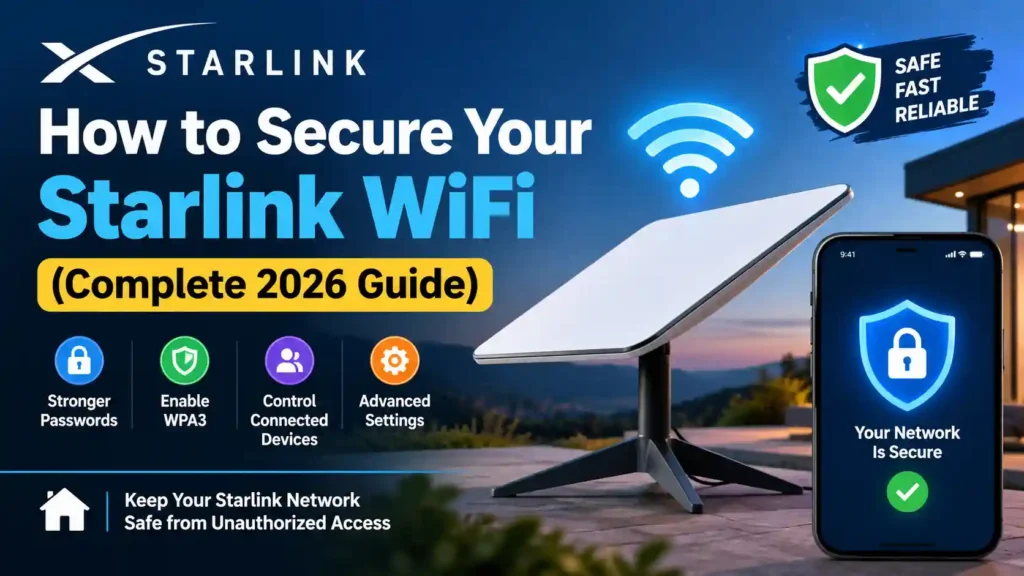
To secure your Starlink WiFi, open the Starlink app, set a strong custom password, switch encryption to WPA3 (or WPA2/WPA3 mixed mode if you have older devices), create a separate guest network for visitors and smart-home gadgets, and keep your router firmware on auto-update. These five steps close the biggest security gaps on a stock…
Read More